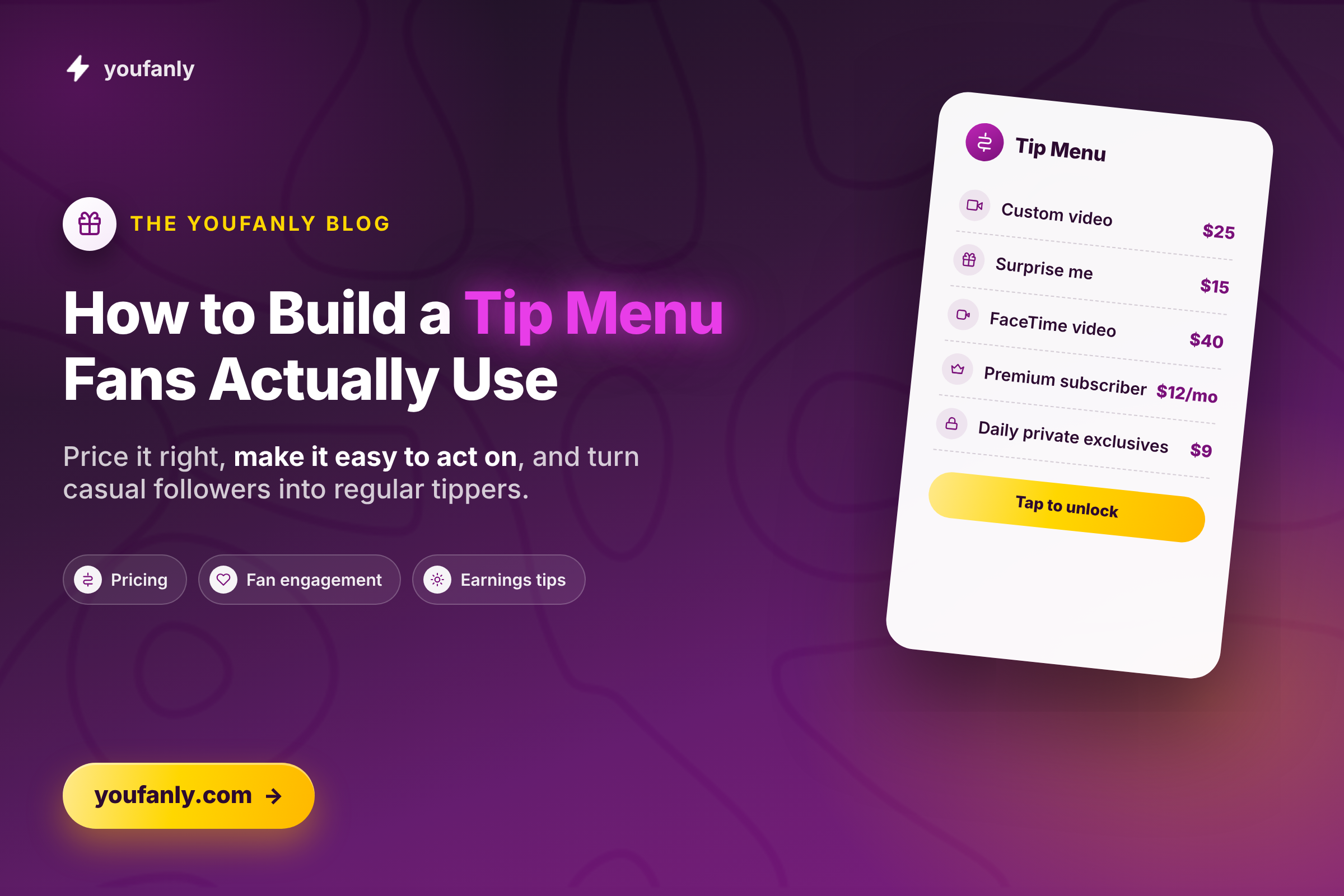
A fan opens your DMs wanting something specific, then has to guess what to offer and wait for you to name a number. That back-and-forth is where most requests quietly die. A tip menu removes the guessing: a short, priced list of what you offer, sitting in your bio or pinned in your DMs, so a fan can see the price and send the tip in the same minute they decided they wanted it.
It’s one of the simplest pieces of copy on your profile to write, and one of the easiest to get wrong. Here’s how to build one that actually gets used, not just one that sits there unread.
Why a Menu Beats Ad-Hoc Pricing
When a fan has to ask “how much for X,” three things usually happen: they hesitate before asking at all, they lowball because they don’t know your actual rate, or they ask and then go quiet waiting for a reply. A menu solves all three at once. It sets the expectation before the conversation starts, so the fan who messages you has already decided they’re willing to pay what’s listed. You’re not negotiating, you’re fulfilling.
It also does work for you while you’re offline. A fan browsing your profile at 2am can see exactly what’s available and what it costs without needing you awake to answer. The same logic that makes a restaurant menu more effective than a server reciting specials from memory applies here.
Structuring the Menu
Keep it short enough that a fan can scan it in a few seconds, usually 6 to 10 items. Group by category rather than listing everything in one block, for example custom photos, custom video, voice notes, and paid DM sessions, each with two or three price points inside it rather than one flat rate.
Lead with a mid-priced item, not your cheapest one. Opening with your lowest price anchors every fan’s expectation at the bottom of your range, and most won’t scroll past it to see what else is possible. Put a clear, achievable top-tier item near the end too, a custom video or a longer DM session, even if it sells rarely. It gives fans a sense of what the ceiling looks like and makes the mid-tier items feel more reasonable by comparison.
Bundle where it makes sense. “3 photos for $25” reads as better value than “$10 per photo” even when the math is close, and it gives a fan a single easy decision instead of three small ones.
Pricing It for Fans Paying in Different Currencies
If your audience spans Europe, the Middle East, and Africa, as most creators building on Youfanly’s fanbase do, a menu priced only in US dollars can undersell you with fans whose local currency is strong and overprice you with fans whose currency isn’t. List your menu in USD as the reference price if that’s what your platform settles in, but don’t assume every fan is mentally converting correctly. A short note like “prices shown in USD, your card or mobile money provider converts automatically” removes a point of hesitation for a fan who’s never tipped in a foreign currency before.
This matters more than it looks like on paper. A fan who isn’t sure whether a price is actually affordable in their own currency is a fan who closes the tab instead of asking. Being upfront about how payment and conversion work removes that hesitation before it costs you the tip. If getting paid across different currencies and mobile money providers is new territory for you, it’s worth understanding how the payout side works before you finalize what you charge.
Mistakes That Quietly Kill a Menu
The most common one is pricing everything the same. If a quick voice note costs the same as a custom video, fans default to the cheapest thing every time, and you’ve effectively capped your own earnings at your lowest price point. Tier it on purpose.
The second is never updating it. A menu you wrote on day one and never touched again doesn’t reflect what you’ve learned about what actually sells. Check which items get requested most and which never do, then adjust every month or two rather than leaving it static for a year.
The third is burying it. A menu pinned at the bottom of an old post or mentioned once in a bio line gets missed. Pin it where a new subscriber will see it in their first visit, and reference it directly in your welcome message so it isn’t something a fan has to go hunting for.
The same thinking applies to how you handle the paid conversation itself, not just the price list in front of it. Paid DMs work best when the pricing is clear before the first message is sent, which is exactly what a well-placed menu does for you automatically.
Frequently Asked Questions
How many items should a tip menu have? Somewhere between 6 and 10 is the sweet spot. Fewer than that and you’re leaving requests fans would have made off the table, more than that and most people stop reading before they reach the bottom.
Should I price in my local currency or US dollars? Match whatever currency your platform settles payouts in, but add a short note on how conversion works for fans paying from elsewhere. The goal is removing confusion, not switching currencies constantly.
How often should I update my tip menu? Every month or two, based on what’s actually selling. A menu is a living document, not something you set once and forget.
Where should the menu actually live? Pinned somewhere a new subscriber sees immediately, and referenced in your welcome message. A menu that exists but isn’t surfaced at the right moment might as well not exist.
Conclusion
A tip menu isn’t a gimmick, it’s the piece of copy doing the quiet work of turning interest into an actual transaction while you’re busy doing everything else. Price it in tiers, keep it visible, revisit it regularly, and make the payment side easy to understand for fans paying from anywhere in the world.
Ready to put one in front of real fans? Become a creator on Youfanly and get paid straight to your bank account, mobile money, or crypto wallet, wherever your fans are tipping from.
Leave a Reply